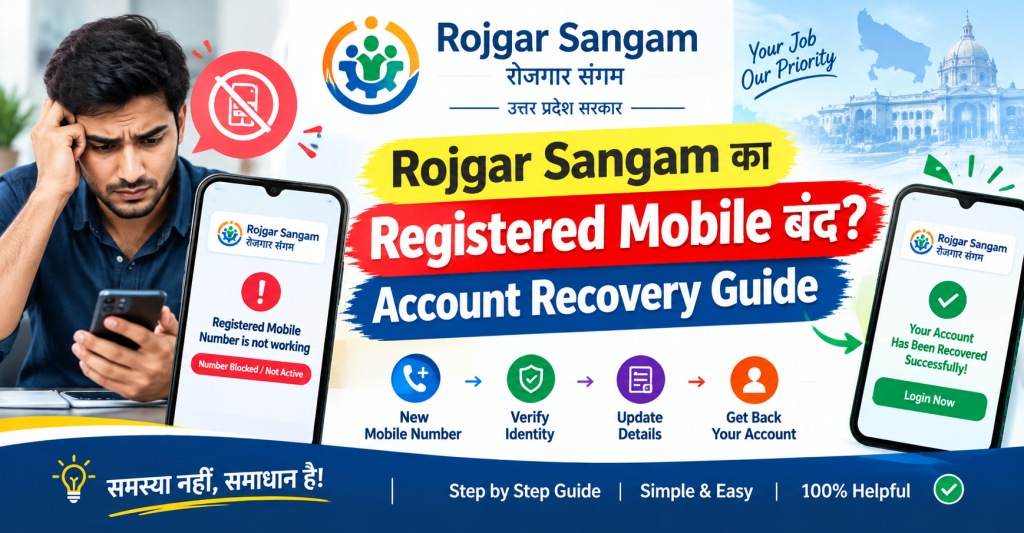
Rojgar Sangam Registered Mobile बंद? Account Recovery Guide
अगर आपके Rojgar Sangam account में registered mobile number बंद हो गया है, SIM खो गई है या उस number पर OTP नहीं आ रहा है, तो login या account recovery में परेशानी हो सकती है।
सबसे पहले घबराने की जरूरत नहीं है। अगर number हाल ही में बंद हुआ है, तो अपने mobile operator से उसी number की replacement SIM लेने की कोशिश करें। अगर number वापस recover नहीं हो सकता, तो Rojgar Sangam की available official support या account-recovery process का इस्तेमाल करना सुरक्षित विकल्प है।
Registered Mobile Number बंद होने पर क्या करें?
Recovery का सबसे अच्छा तरीका इस बात पर depend करता है कि आपका पुराना mobile number वापस मिल सकता है या नहीं।
पहले पुराना Number Recover करने की कोशिश करें
अगर आपकी SIM खो गई है, खराब हो गई है या inactive हो गई है, तो अपने telecom provider से contact करें।
अगर उसी mobile number की replacement SIM मिल जाती है, तो OTP receive करना आसान हो सकता है। अगर आपका पुराना number किसी दूसरे व्यक्ति को जारी हो चुका है, तो account security के लिए ज्यादा सावधानी रखें।
Rojgar Sangam Login Page Check करें
Official Rojgar Sangam portal पर login और available account-recovery options check करें।
अगर Forgot Password, OTP recovery या इसी तरह का कोई option उपलब्ध है, तो portal पर दिए गए instructions को follow करें।
Account recovery के लिए किसी third-party website का इस्तेमाल न करें।
नया Account बनाने से पहले सोचें
Registered mobile number का access न होने पर कुछ users तुरंत नया account बनाने के बारे में सोचते हैं।
लेकिन पहले यह check करें कि आपका existing account recover हो सकता है या नहीं। Duplicate registration करने से profile information, registration history या existing application details को manage करने में परेशानी हो सकती है।
Official Help या Support से Contact करें
अगर आपका पुराना mobile number permanently unavailable है और online recovery option काम नहीं कर रहा है, तो Rojgar Sangam portal पर दिए गए official help/support details check करें।
Support team से contact करते समय अपनी genuine registration details तैयार रखें। केवल official portal पर दिए गए contact information का ही इस्तेमाल करें।
क्या Registered Mobile Number Change किया जा सकता है?
यह available portal features और account verification process पर depend करता है।
अगर आपकी profile settings में mobile number update करने का option उपलब्ध है, तो system की verification process follow करें।
अगर OTP पुराने number पर जा रहा है और आपके पास उस number का access नहीं है, तो normal online update संभव नहीं हो सकता।
ऐसे मामले में official support से guidance लेना बेहतर है।
OTP नहीं आ रहा तो ये Check करें
कई बार number बंद नहीं होता, लेकिन फिर भी OTP receive नहीं होता। ऐसी स्थिति में:
अगर इसके बाद भी OTP नहीं मिलता, तो official portal के support options check करें।
Account Recovery के लिए कौन-सी Details Ready रखें?
अगर आपको support से contact करने की जरूरत पड़ती है, तो अपनी available account information तैयार रखें, जैसे:
अपना password, OTP, PIN या कोई अन्य confidential login information किसी के साथ share न करें।
Important Security Tip
अगर account recovery के नाम पर कोई व्यक्ति आपसे OTP, password, PIN या payment मांगता है, तो सावधान रहें।
Rojgar Sangam account recover करने के लिए random WhatsApp numbers, Telegram groups, social media messages या unofficial websites पर अपनी personal information share न करें।
हमेशा official portal और वहां दिए गए official support channels का ही इस्तेमाल करें।
Registered Number बंद होने से Account Delete हो जाता है?
सिर्फ mobile number बंद होने का मतलब यह नहीं है कि आपका Rojgar Sangam account automatically delete हो गया है।
इससे मुख्य रूप से login, OTP verification, password recovery या account access में परेशानी हो सकती है।
इसलिए account को recover करने के लिए पहले available official options check करें।
Quick Recovery Checklist
अगर Rojgar Sangam का registered mobile number बंद हो गया है, तो यह short checklist follow करें:
पुरानी SIM recover हो सकती है? → Replacement SIM के लिए telecom operator से contact करें।
OTP आ रहा है? → Official login/recovery option का इस्तेमाल करें।
Number permanently unavailable है? → Official support options check करें।
नया account बनाना चाहते हैं? → पहले existing account recovery की कोशिश करें।
कोई OTP/password मांग रहा है? → बिल्कुल share न करें।
Frequently Asked Questions
अंतिम शब्द
अगर Rojgar Sangam का registered mobile number बंद हो गया है, तो सबसे safe तरीका है कि पहले उसी number को recover करने की कोशिश करें और फिर official portal के login या recovery options का इस्तेमाल करें।
अगर number permanently unavailable है, तो official support channel से account verification और mobile number update के बारे में guidance लें।
सबसे जरूरी बात: OTP, password और personal account details किसी unofficial व्यक्ति या website के साथ share न करें।